From paper to searchable
Keep recipes from cookbooks, magazines, family notes, and screenshots in the same searchable Library.
Photograph a recipe you want to keep and convert it into an organized digital recipe instead of typing every line.
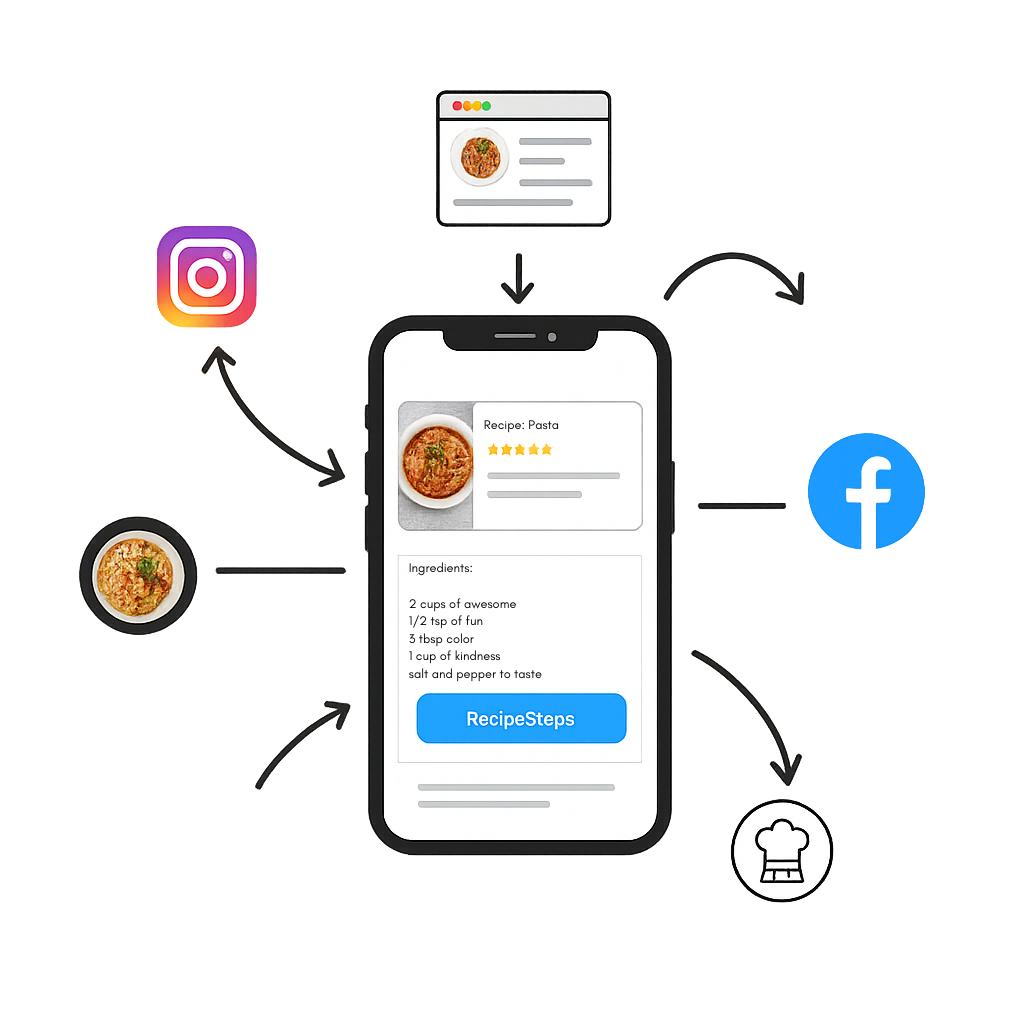
Keep recipes from cookbooks, magazines, family notes, and screenshots in the same searchable Library.
AI extraction can make mistakes. Check ingredients and instructions against the original image before cooking.
Once saved, the recipe can support servings, shopping lists, nutrition, notes, and cooking mode.
Take a clear, well-lit photo or choose an existing image.
Let RecipeAI identify the recipe text and structure.
Review the result and save your corrected copy.
Clear handwriting may work, but results vary. Always compare the saved recipe with the original note.
Use even lighting, keep the full page in frame, avoid blur, and photograph one recipe at a time.
No. Recipe-photo scanning digitizes written recipes. Meal-photo nutrition estimates are a separate feature and remain estimates.