One Library, many sources
Keep social videos, websites, scans, pasted text, and manual recipes together.
Replace scattered screenshots, bookmarks, and saved posts with one recipe Library built for finding and cooking.
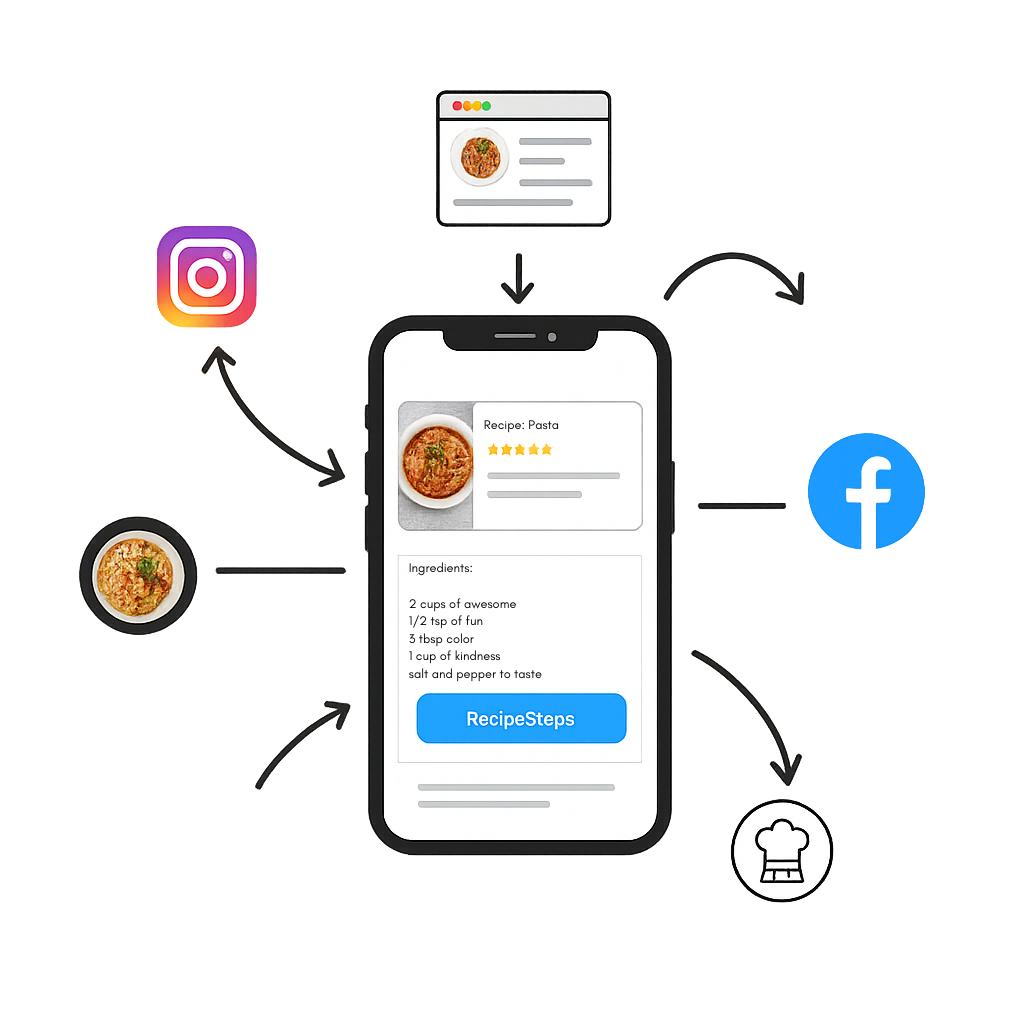
Keep social videos, websites, scans, pasted text, and manual recipes together.
Search recipes, use source filters, mark favorites, and keep your own edits and notes.
Move from a saved recipe to servings, shopping, meal planning, nutrition, and cooking mode.
Import or create recipes from the sources you already use.
Review and personalize your saved copy.
Search your Library when it is time to plan, shop, or cook.
Yes. Imported and manually entered recipes can live in the same personal Library.
Yes. Edit your own saved copy, add notes, and adjust it to how you cook.
Your personal Library is not a public recipe feed. Sharing actions are separate and user initiated.