A recipe you can search
RecipeAI gives saved cooking content a name, ingredients, instructions, and a permanent place in your recipe Library.
Turn an Instagram recipe Reel into a useful recipe in your own Library instead of losing it among saved posts.
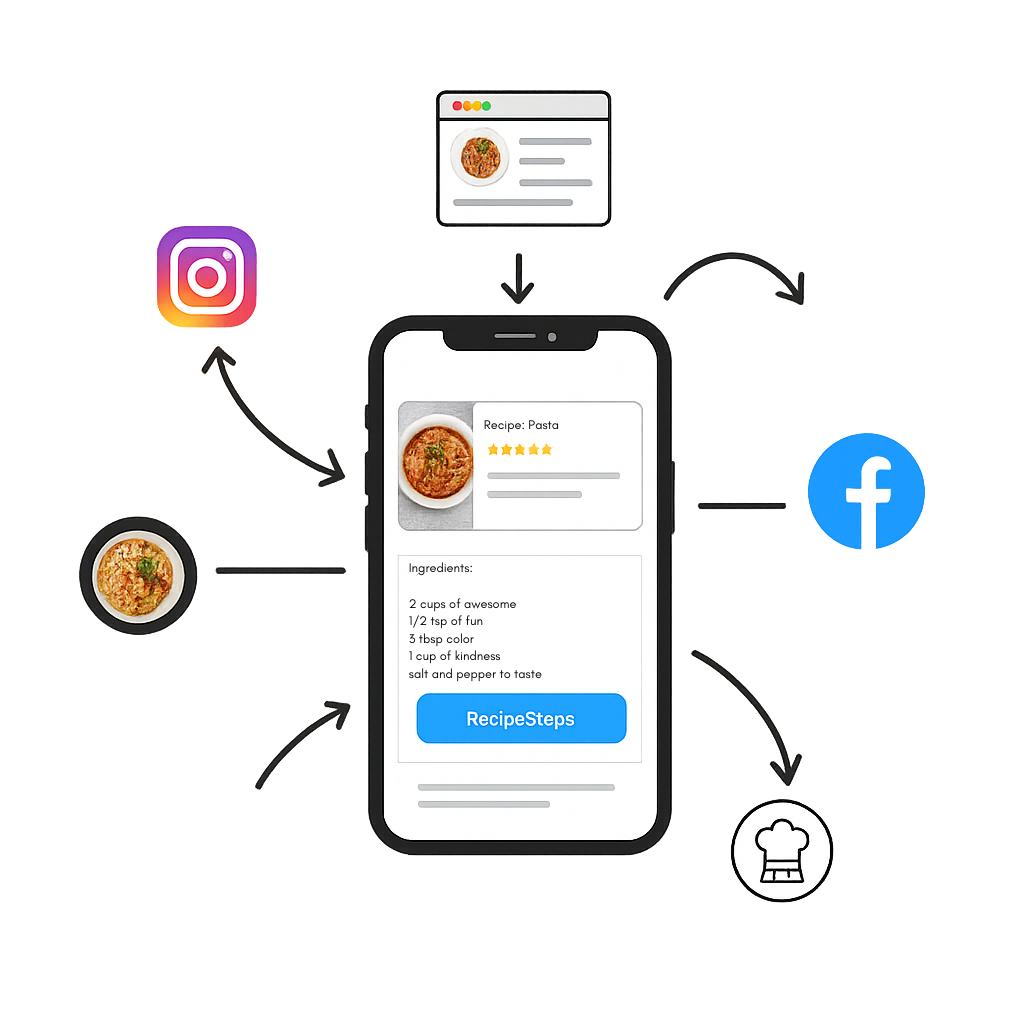
RecipeAI gives saved cooking content a name, ingredients, instructions, and a permanent place in your recipe Library.
The original Instagram source remains available when the post can be accessed.
Follow readable steps, adjust servings, build a shopping list, and use cooking mode.
Open the Instagram Reel and tap Share.
Choose RecipeAI, or copy and paste the public link.
Open the completed recipe from your RecipeAI Library.
Private or restricted posts may not be accessible. Use content you are allowed to access and share.
Yes, when the public source exposes the caption. Paste Text can also process recipe text copied from a comment or message.
Yes. TikTok, YouTube, websites, photos, and manual recipes can live in the same Library.