01
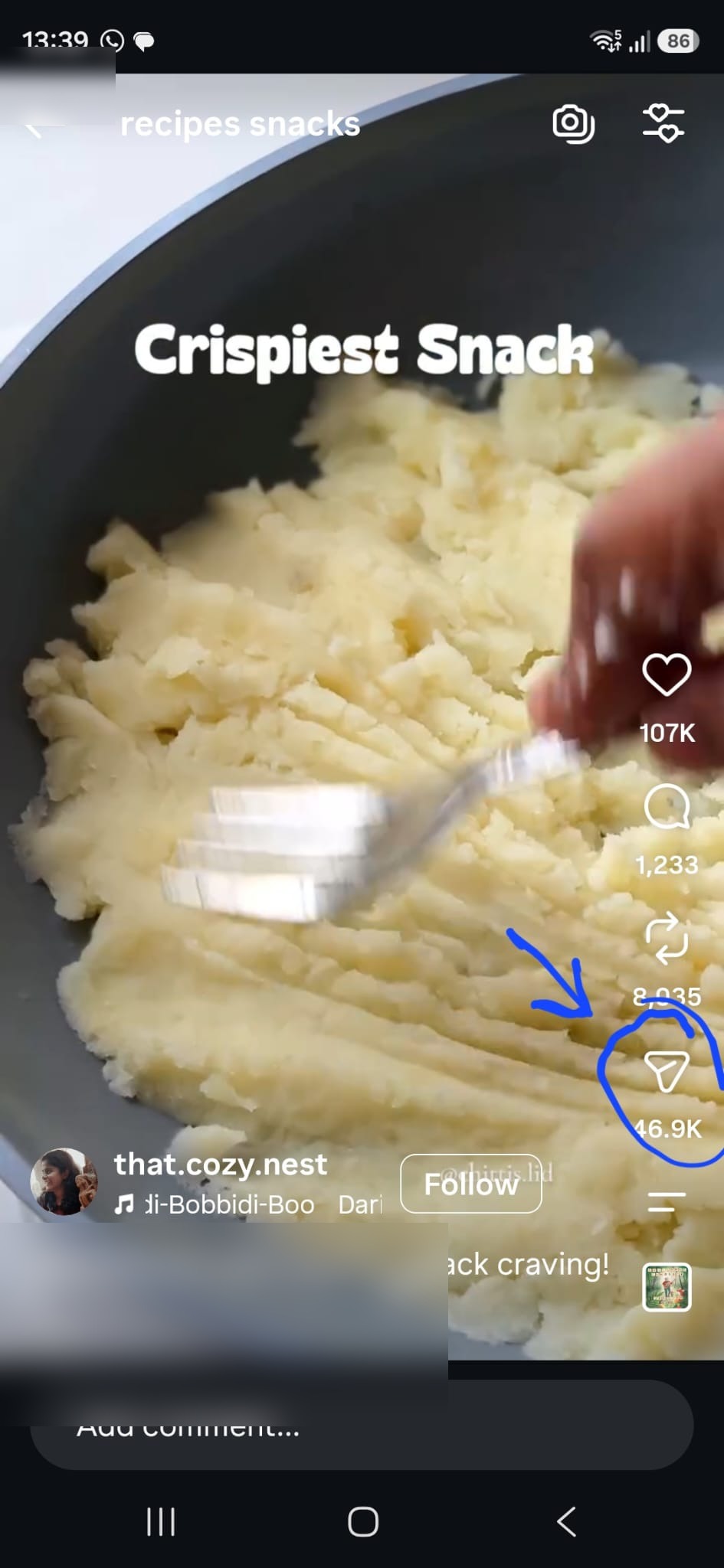
Find a recipe you want to save
Open TikTok, Instagram, YouTube, or any recipe website. When you find a recipe you want to keep, start from the share button.
Found a recipe on TikTok, Instagram, YouTube, or a website? Share it to RecipeAI and we will turn it into a clean recipe you can cook from later.
The trick is simple: do not copy the recipe manually. Use the Share button from the app where you found the recipe.
Open TikTok, Instagram, YouTube, or any recipe website. When you find a recipe you want to keep, start from the share button.
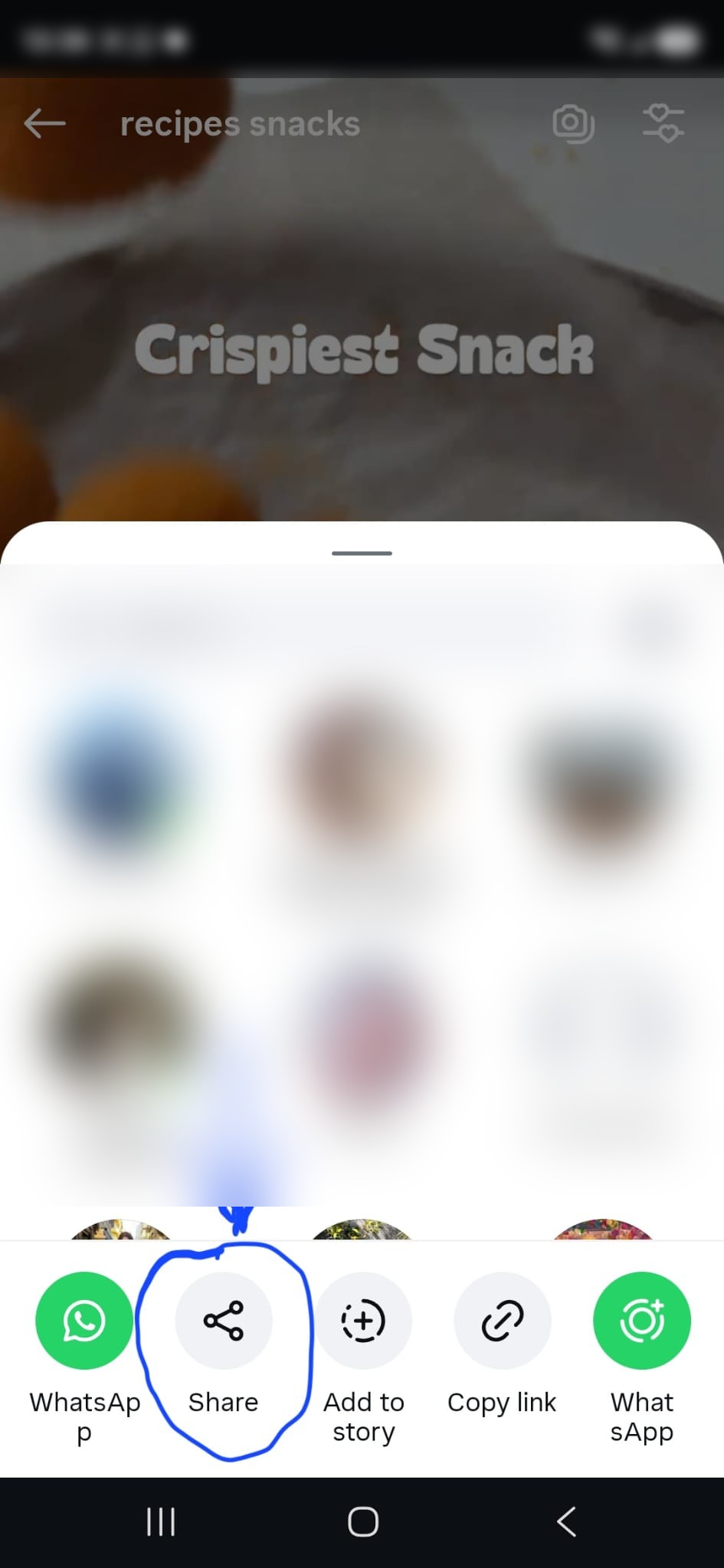
Use the social app share button. On Instagram, it may appear as a paper-plane icon first, then a Share option.
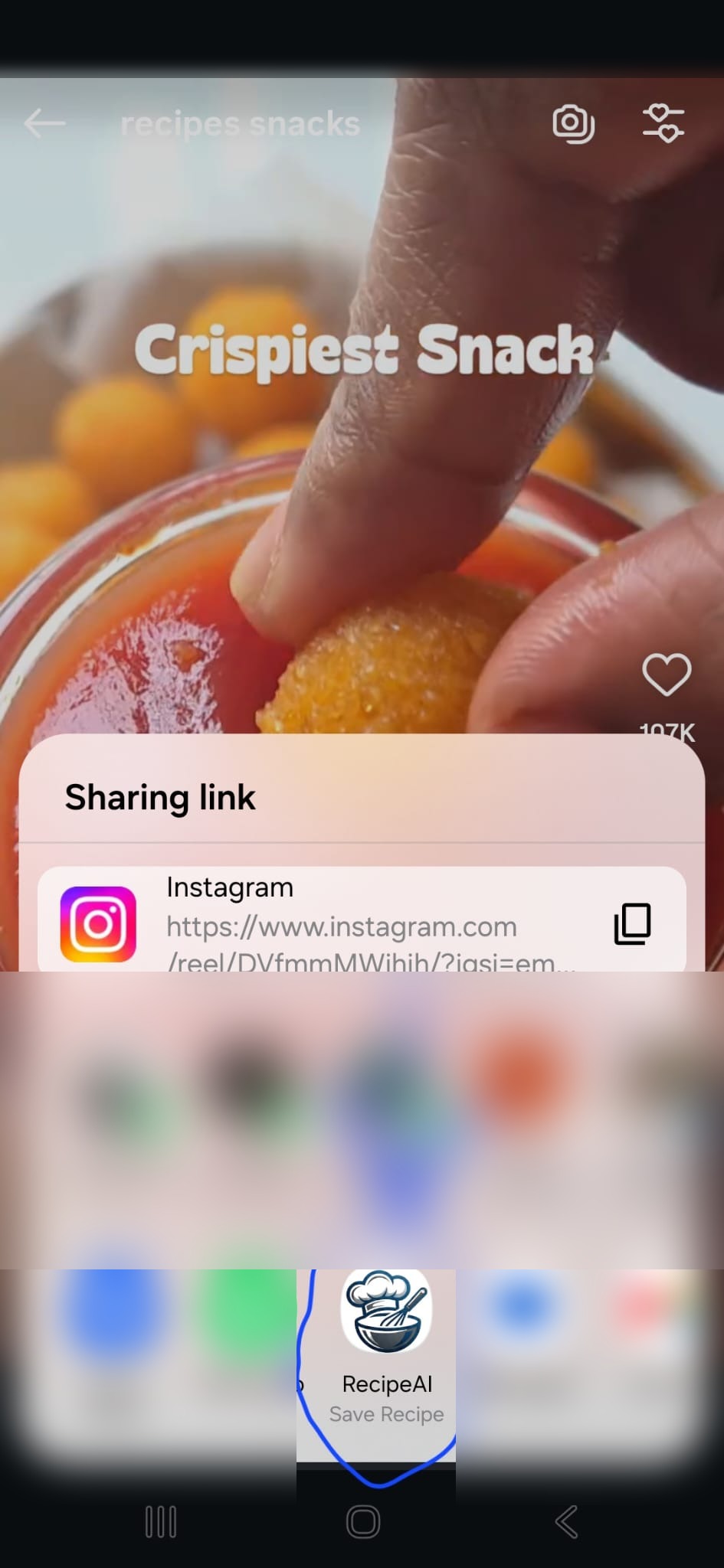
In the Android share sheet, tap RecipeAI. If you do not see it, scroll through the app row or tap More.
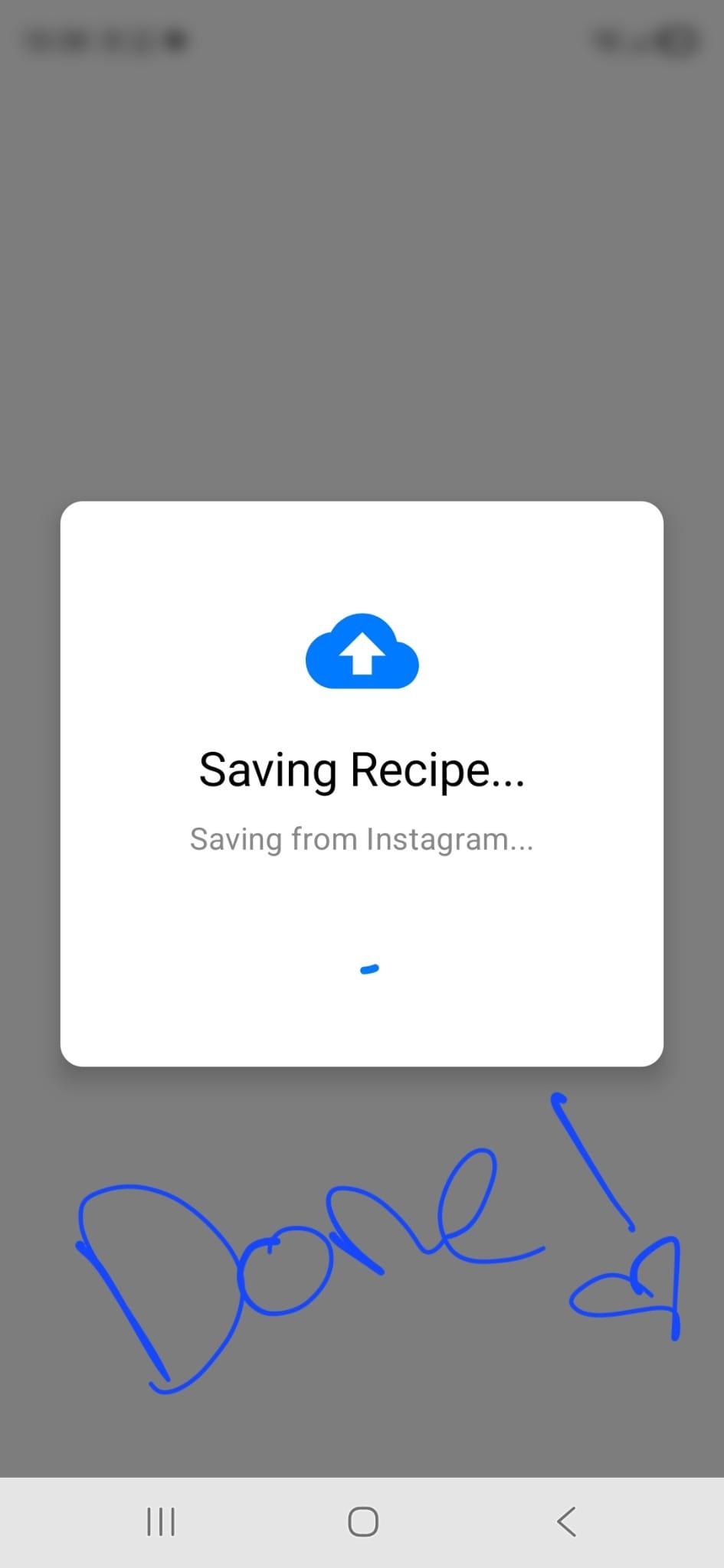
RecipeAI receives the link and starts saving the recipe. Video recipes can take a little time while AI extracts the details.
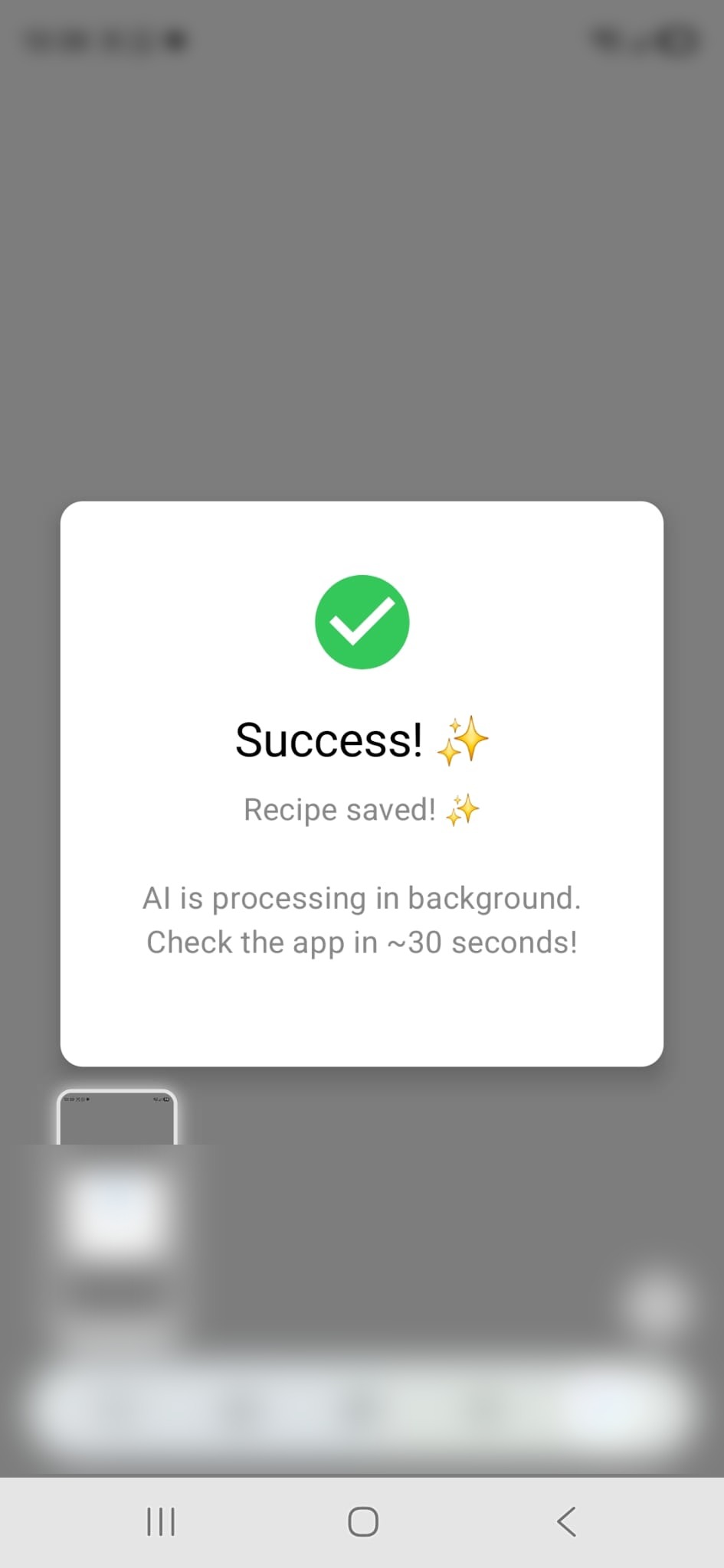
When processing finishes, the recipe appears in your RecipeAI library with ingredients, steps, and helpful cooking details.
Recipe videos are messy: ingredients, timing, captions, and steps are often spread across the video and description. RecipeAI processes the link in the background so your saved recipe is organized and easier to cook from.
Get RecipeAI on Google Play