One clear step at a time
Cooking Mode reduces clutter so the current instruction, recipe image, and progress remain easy to see.
Keep the instructions readable while you cook. RecipeAI turns a saved recipe into focused steps with optional voice guidance and reliable timers.
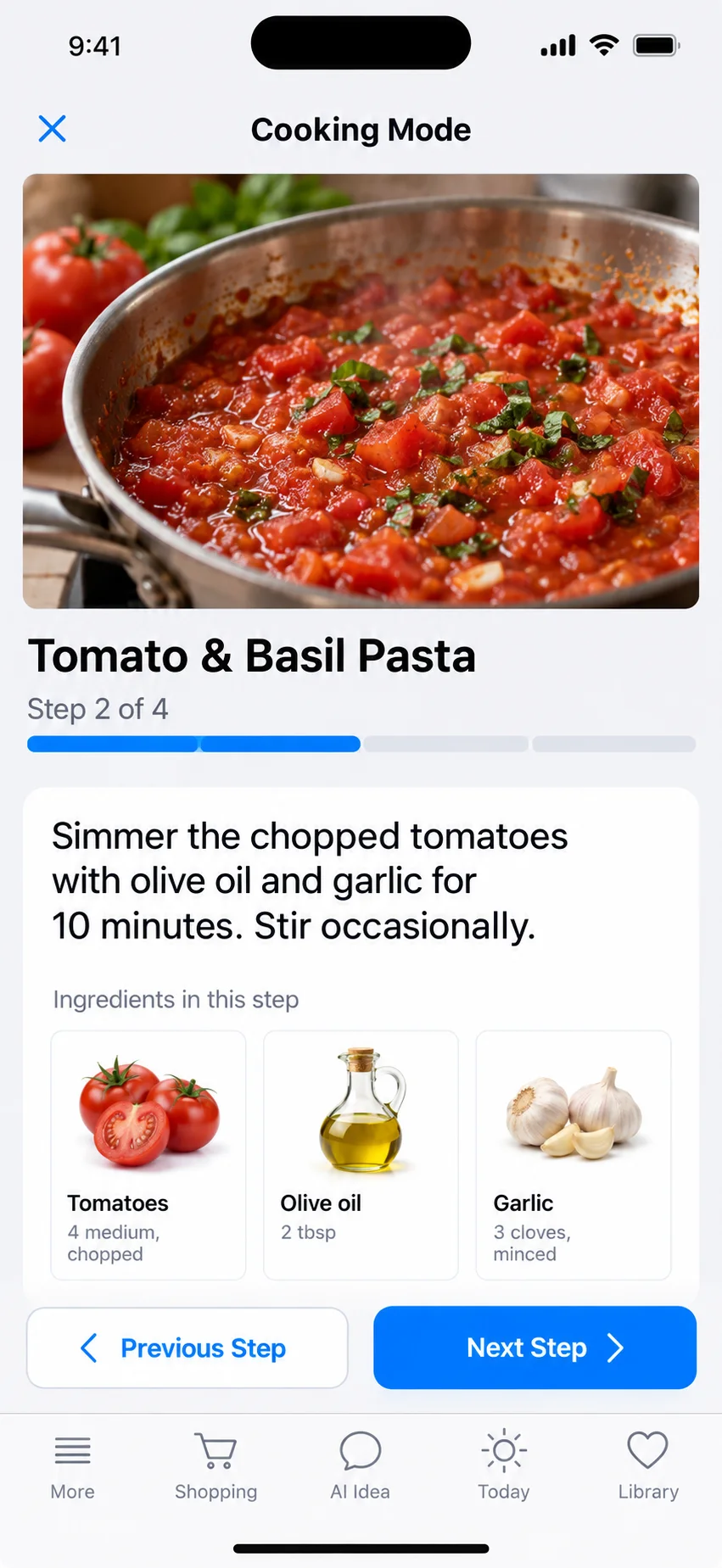
Cooking Mode reduces clutter so the current instruction, recipe image, and progress remain easy to see.
Start, pause, resume, and finish a timed step. Remaining time is based on the clock, so leaving and returning to the app does not silently stop it.
Voice guidance reads steps aloud and lets you move through the recipe without repeatedly touching the phone.
Open a saved recipe and choose Start Cooking.
Move through the instructions and start a timer when a step includes a duration.
Pause or resume when needed, then continue to the next step.
The remaining time is calculated from the clock so returning to the app reflects elapsed time. Device notification behavior can depend on system settings.
Cooking Mode uses the recipe when an image is available and avoids leaving an unexplained empty image area when it is not.
Yes. Voice is optional; every step remains visible on screen.