Keep the recipe, not another bookmark
RecipeAI organizes the useful cooking details from a shared TikTok link while preserving the original source for reference.
Share a TikTok cooking video with RecipeAI and turn it into a clear recipe you can find, plan, shop for, and cook later.
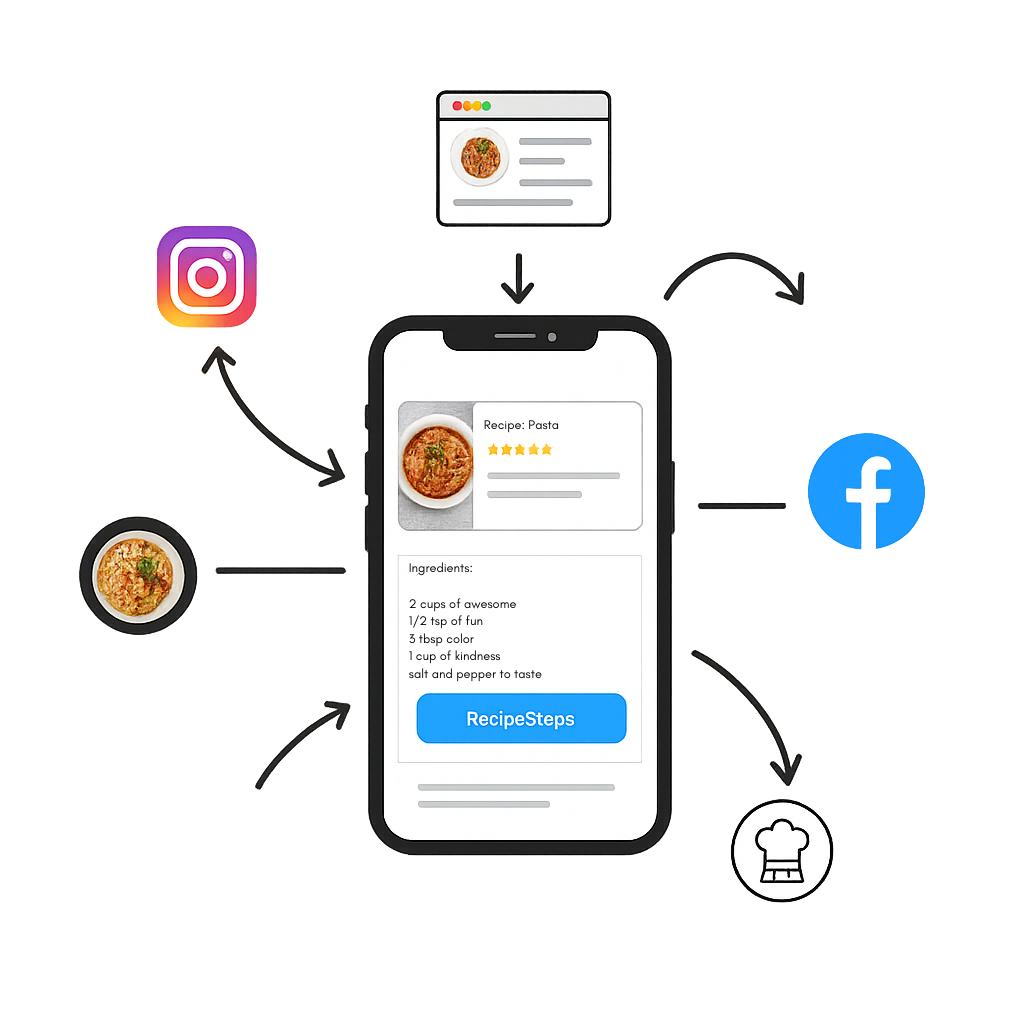
RecipeAI organizes the useful cooking details from a shared TikTok link while preserving the original source for reference.
Read a structured ingredient list and cooking instructions instead of replaying a fast video while your hands are busy.
Use the saved recipe in meal plans, shopping lists, nutrition views, and voice-guided cooking.
Open a TikTok cooking video and tap Share.
Choose RecipeAI from the Android share sheet.
RecipeAI processes the source and adds the organized recipe to your Library.
RecipeAI works best when the video, caption, or spoken content contains enough cooking information. Some private, deleted, or restricted posts may not be accessible.
Yes. Saved recipes can retain a link to the original source so you can return to the creator and video.
Usually no. Sharing the link directly is the simplest workflow. Paste Text is also available when the recipe is provided separately in comments or messages.