Video knowledge, structured
RecipeAI turns accessible recipe information into a practical ingredient list and ordered instructions.
Save the useful cooking information from a YouTube video as a recipe you can follow without searching through the timeline.
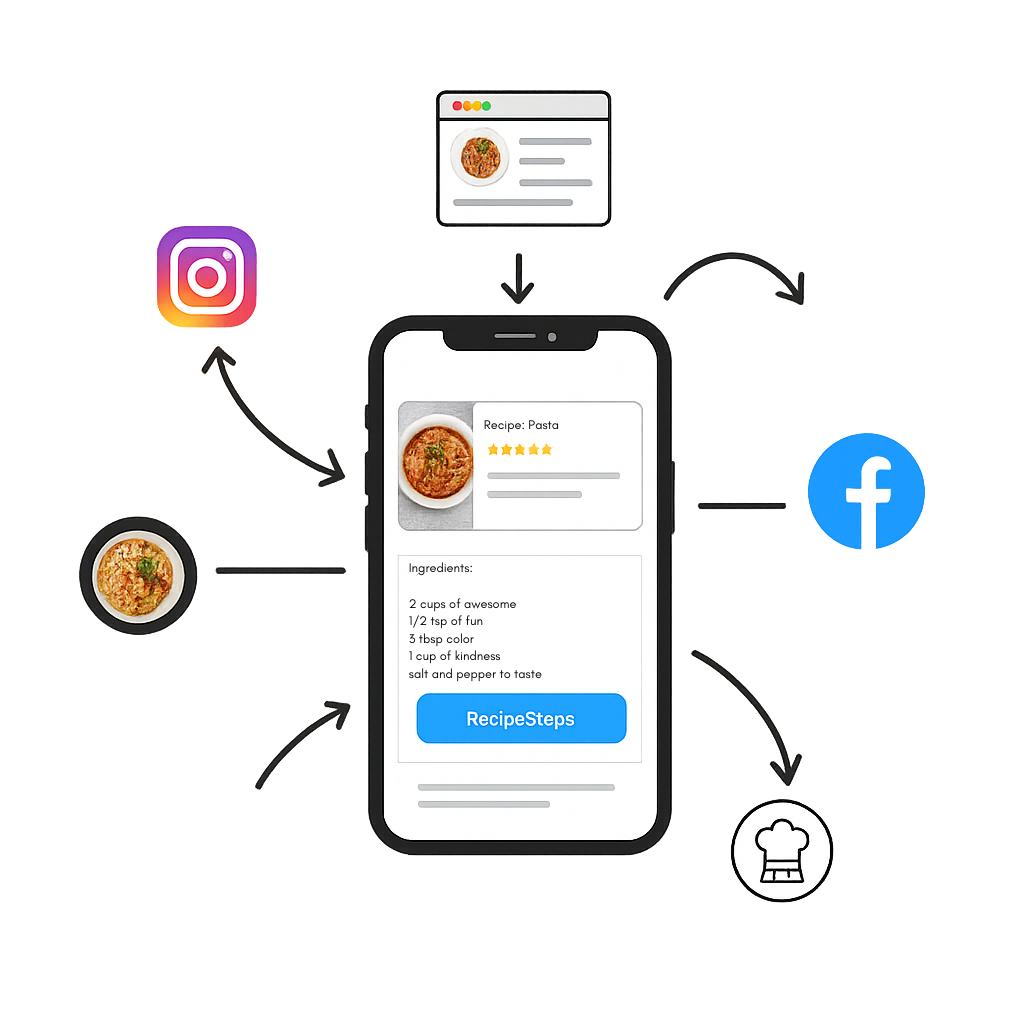
RecipeAI turns accessible recipe information into a practical ingredient list and ordered instructions.
Return to the original YouTube video whenever you want to see the creator’s technique.
Add the recipe to meal plans and shopping lists, adjust portions, and view nutrition estimates.
Copy or share a public YouTube recipe link.
Send the link to RecipeAI for processing.
Review the organized recipe and open the original video whenever needed.
RecipeAI processes accessible recipe information from the shared source. It does not give users a downloadable copy of the original video.
The saved recipe focuses on ingredients and cooking steps. Use the retained source link for exact visual moments in the video.
Results depend on the available spoken, caption, description, and page information. Insufficient sources may fail rather than invent missing instructions.