Your favorite sources, one recipe Library
Share or paste public recipe content from Instagram, TikTok, YouTube, Facebook, Pinterest, recipe websites, messages, and copied text.
Bring recipe inspiration from the platforms you already use into one searchable Library, while keeping the original source attached whenever it is available.
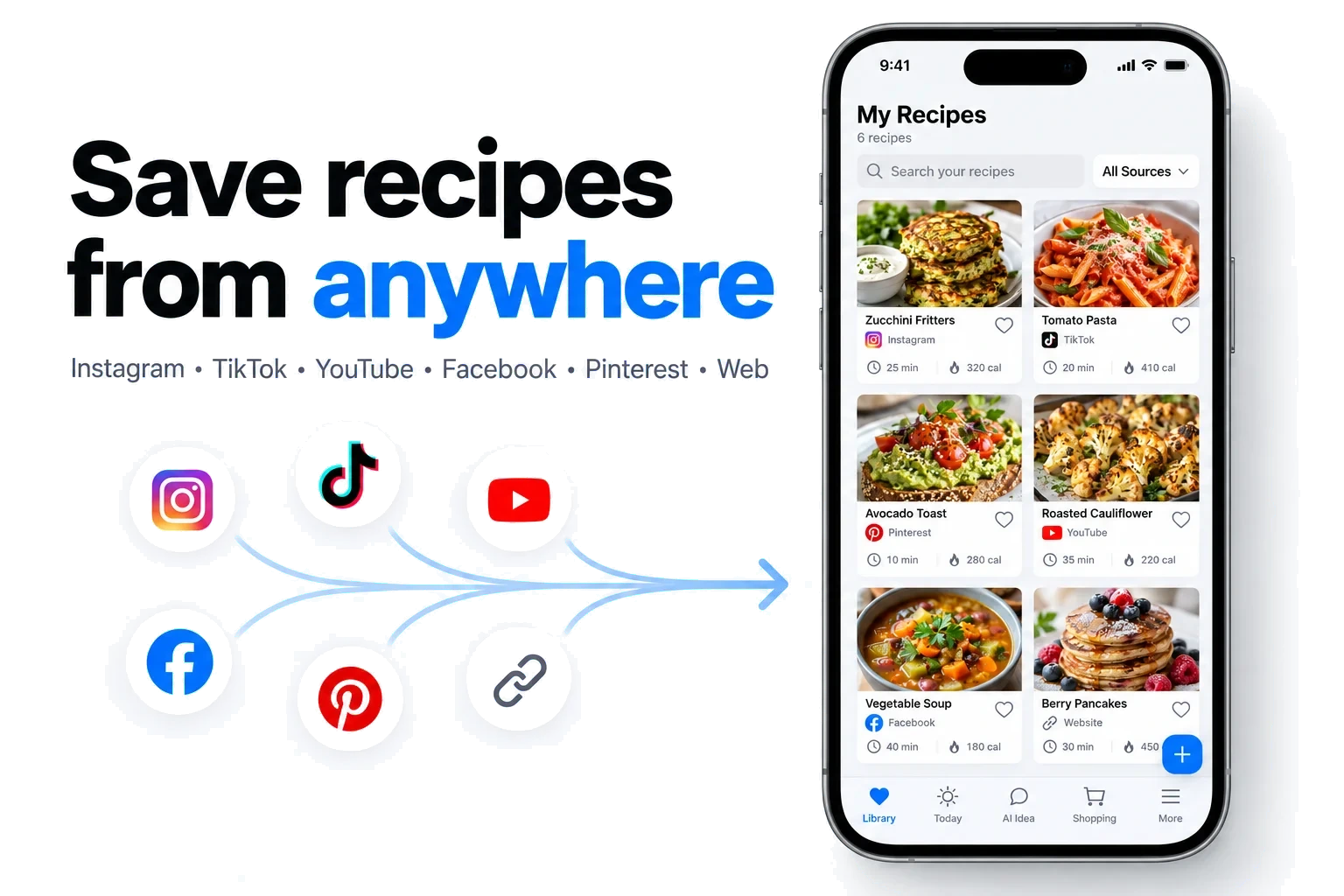
Share or paste public recipe content from Instagram, TikTok, YouTube, Facebook, Pinterest, recipe websites, messages, and copied text.
RecipeAI uses accessible captions, page text, and spoken or transcribed recipe details. When a quantity is not provided, it should remain unspecified instead of being invented.
A shared recipe can continue processing while you use the app. A ready notification opens the result, and recovery options preserve the source when more information is needed.
Open a public recipe post, video, page, or message and choose Share or Copy link.
Send it to RecipeAI, or paste the recipe text when that is the most complete source.
Review the organized ingredients and instructions, then save the recipe with its source.
RecipeAI can work with accessible recipe content from Instagram, TikTok, YouTube, Facebook, Pinterest, recipe websites, copied text, and messages. Results depend on what each public source exposes.
Accessible speech or transcripts can be used together with captions and page text. Review the saved result against the original source before cooking.
It should preserve quantities that are actually present. If the source does not provide one, the ingredient can remain without a quantity for you to complete later.