A separate action with a clear purpose
Tapping a Today card with a Library recipe opens that saved recipe. The visible Find recipe action deliberately starts an online search.
When you know the dish but do not have its recipe, RecipeAI can search public sources, localize the result, and save the useful recipe to your Library.
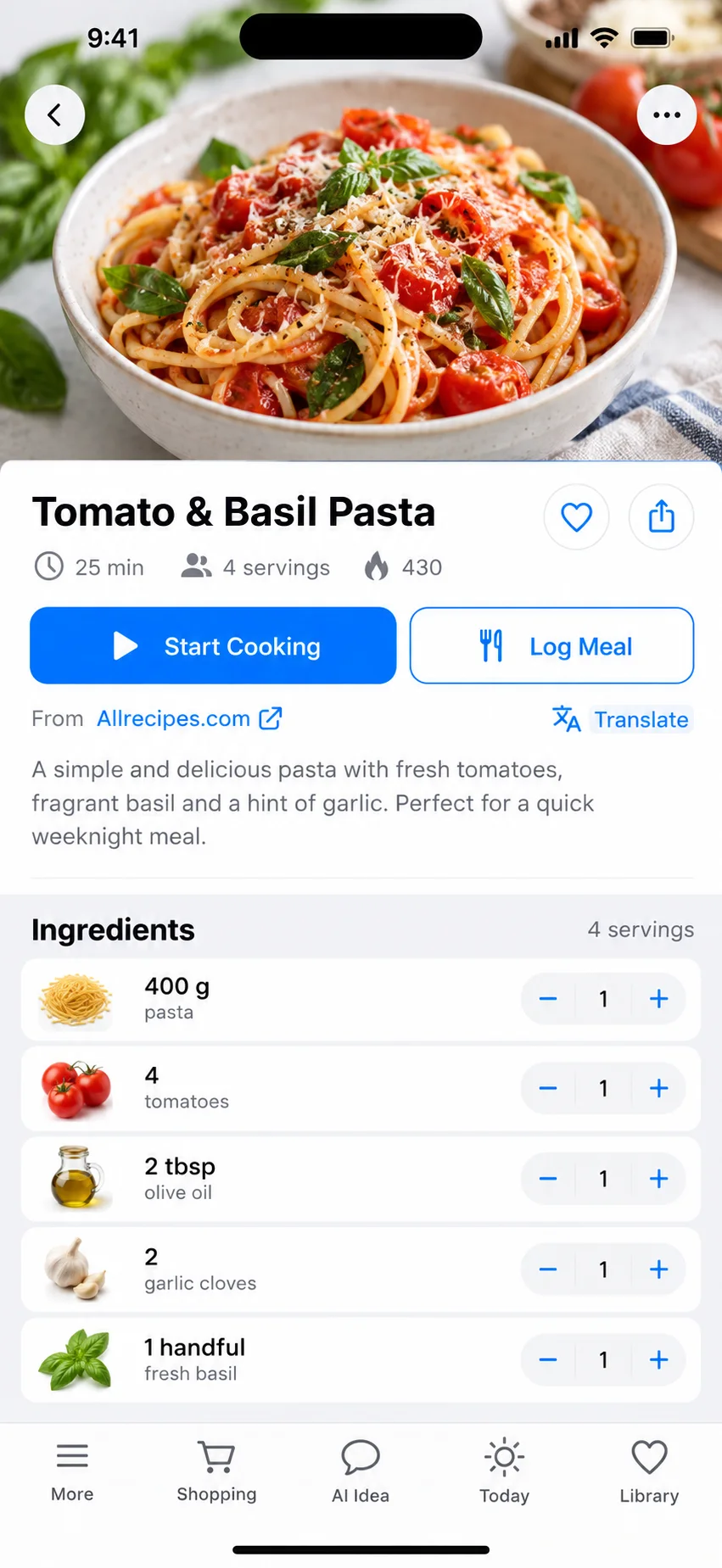
Tapping a Today card with a Library recipe opens that saved recipe. The visible Find recipe action deliberately starts an online search.
RecipeAI may search sources in multiple languages to improve coverage, then presents the recipe in your requested output language.
See the publisher, source link, image, ingredients, and instructions before choosing Save to Library.
Tap Find recipe beside a Today meal or choose the recipe-search result from a meal photo.
Review the sourced candidates and open the one that best matches your dish.
Save it to your Library; future taps open the in-app recipe rather than repeating the search.
The online-search flow is designed to preserve a real public source. AI can structure and translate it but must not fabricate the publisher or URL.
The exact dish may not have a trustworthy accessible page, or a publisher may block automated access.
Yes. Discovery can use any source language, while visible recipe content is localized to your chosen output language.